
Tattoo booking software for custom work
A small tattoo and a full sleeve need different conversations. Start with the idea, placement and references. Review the project, then offer times that make sense for the work.
Affichr keeps the request and its next steps together. You decide what belongs in your book.
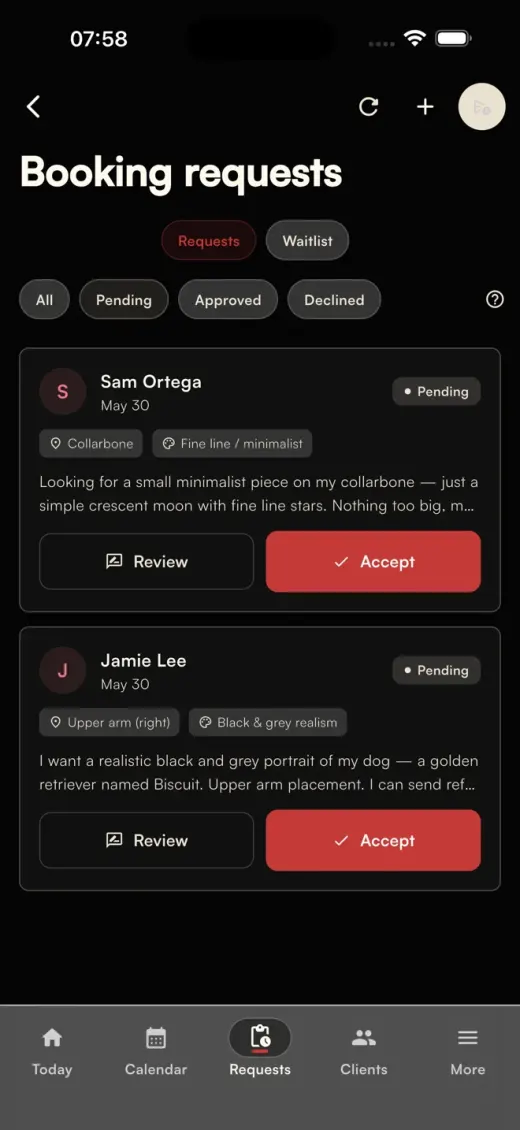
Get the project details before choosing a date
"Are you available next month?" is a start. You still need to know what the client wants.
Your Affichr booking page collects the idea, placement, size and reference images, along with the client's budget and preferred dates. You can review the request and ask for more detail before deciding whether to take it on.
A reference might change your estimate. The placement might need a conversation. There's room for that before you offer an appointment.
Offer appointment times after you've reviewed the work
You know how much time to allow for the piece. Your client doesn't have to guess.
Once you've reviewed the request, offer up to four suitable appointment times. The client chooses from those options rather than browsing your entire calendar.
Choosing a time is one step in the booking. The appointment still follows your deposit and confirmation requirements.
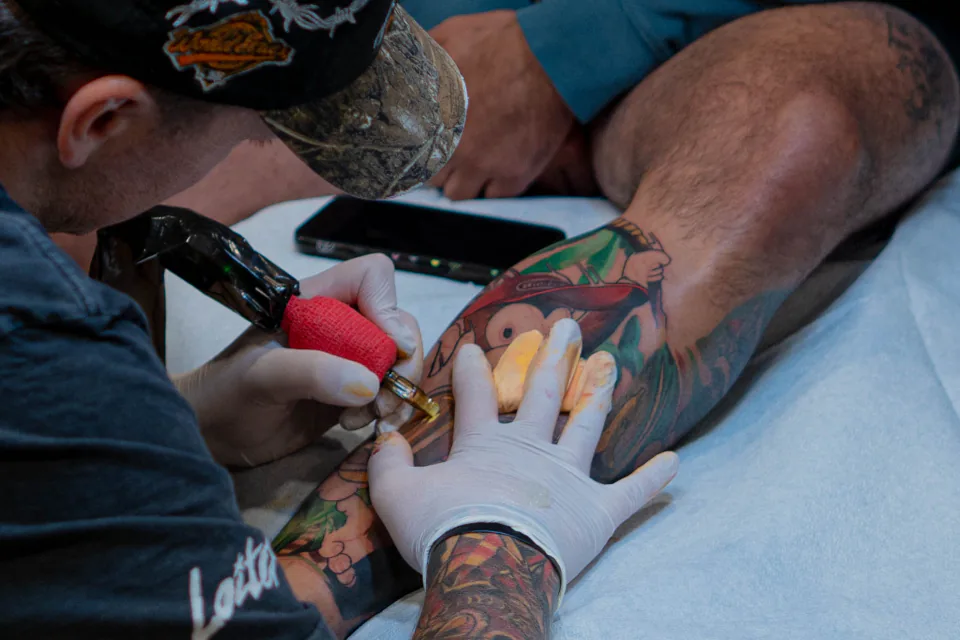
Keep the deposit attached to the appointment
An accepted request doesn't mean the deposit has been paid.
Affichr connects the deposit request and payment status to the booking, so you can check them alongside the appointment details. When a deposit is required, the appointment remains awaiting deposit until the payment and confirmation requirements are met.
Stripe deposit collection requires a supported, connected account. Availability depends on your plan and setup.
Keep appointment reminders with the booking
Between sessions, it's easy to lose track of who still needs a reminder.
Affichr keeps reminders connected to the appointment and the client's communication preferences. You control the available reminder settings; delivery depends on enabled channels and the required permissions.
Check the booking context when following up, including whether the deposit is still pending.
Keep the client's history for the next session
When a client comes back, their earlier appointments and notes still matter.
Affichr keeps client history connected to the booking workflow. You can return to the project context before planning the next session.
Questions before you change your booking process
Can clients book any free slot in my calendar?
For custom work, clients send a request first. You review the project and choose which appointment times to offer.
Does accepting a request confirm the appointment?
No. Accepting the project, receiving a deposit and confirming the appointment are separate steps. Your booking requirements determine what the client needs to do next.
Can I use Affichr for a tattoo studio?
Affichr also has studio workflows for teams. If you need request routing and access for multiple artists, see the tattoo shop management page.
Give the next request a place to land
Share your booking page when someone asks about a piece. Get the details, review the work and decide what comes next.