
What DMs do to design approval
Messages are fine for quick replies. They are bad at version history, approval status, private links, and remembering which design belongs to which booking.

Your artwork should not disappear into a message thread. Affichr keeps versions, comments, and approval status with the project.
Private signed design links
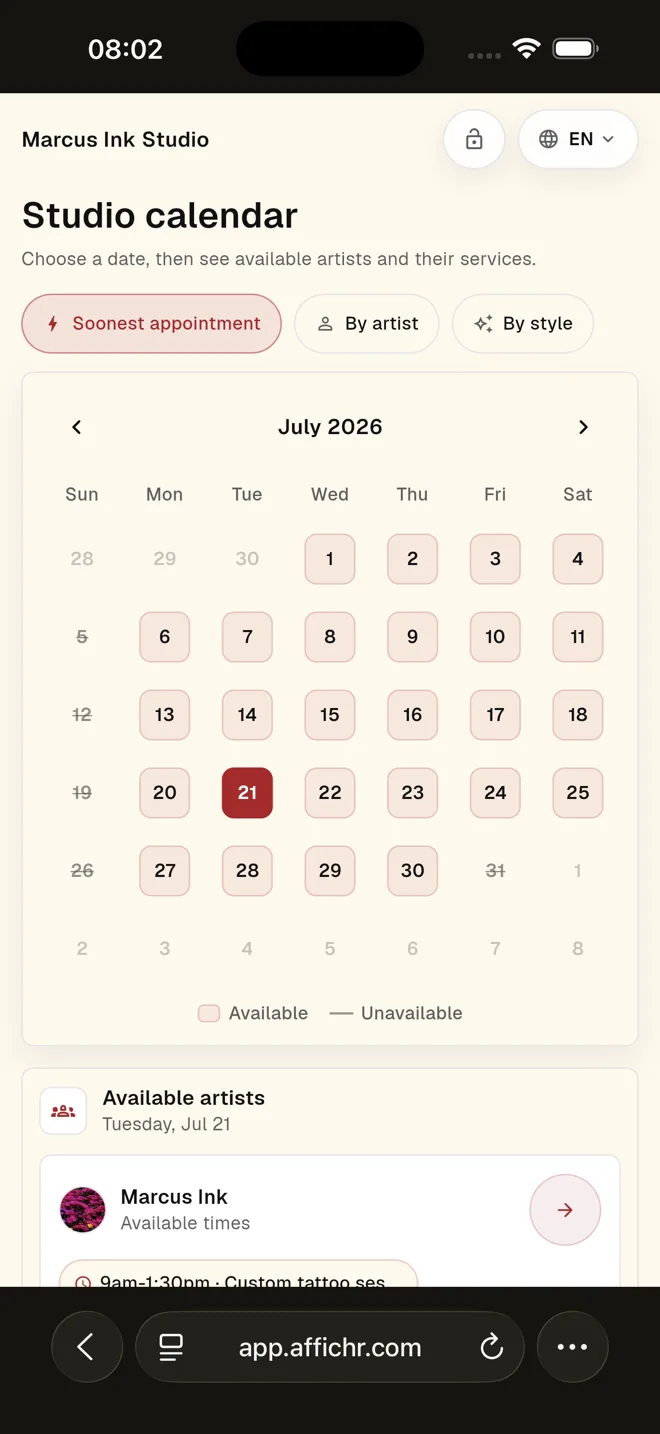
Messages are fine for quick replies. They are bad at version history, approval status, private links, and remembering which design belongs to which booking.
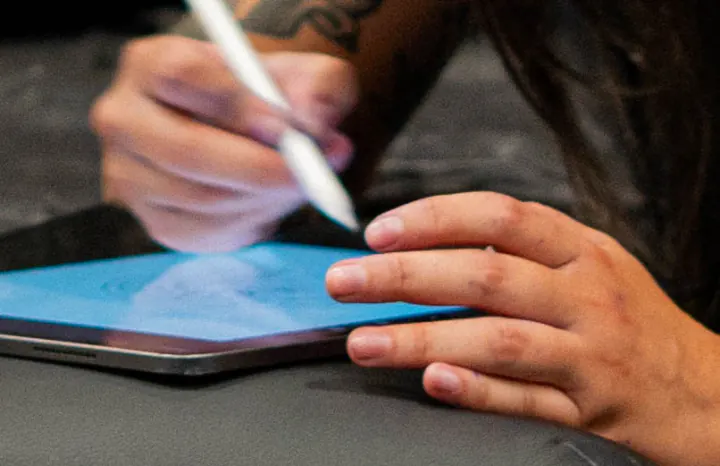
Artist judgment stays central
Keep the version, review state, comments, and next step beside the project. The artist still makes the design.
Draw / review / revise / approveNot another public calendar. Affichr handles the admin work that gets messy when it lives in memory.
Use Affichr for the request, slots, deposit, reminder, cancellation fill, and follow-up. Keep the book where you like it.